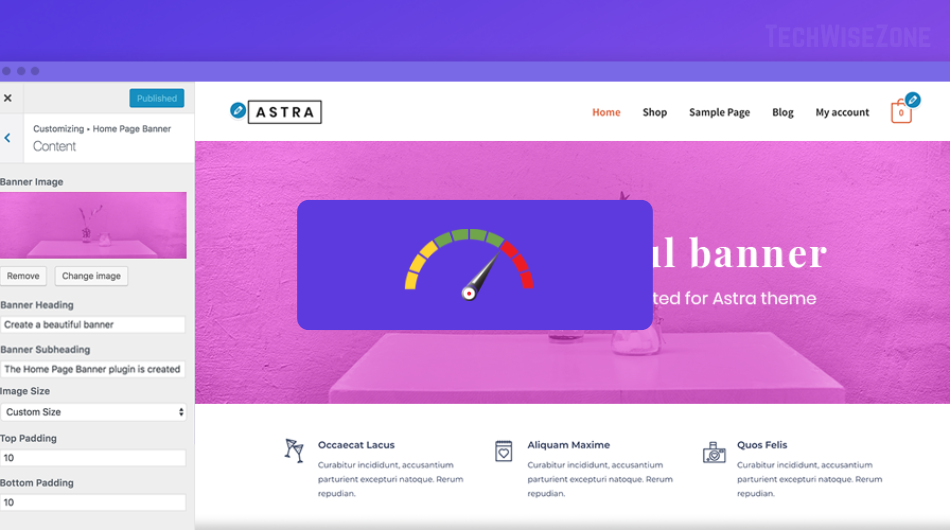
Website speed directly impacts user experience, search rankings, and conversions. Beginners often struggle with improving their WordPress website’s performance. Fortunately, several WordPress speed optimization tools make this simple without requiring coding expertise.
1. WP Rocket – Beginner-Friendly WordPress Speed Optimization Tool
WP Rocket is an intuitive caching plugin for WordPress. It automatically creates cached pages, reduces load times, and offers features like lazy loading and database optimization. Beginners can enable performance enhancements with a few clicks, making it an ideal first choice.
2. Perfmatters – Optimize WordPress Without Coding
Perfmatters helps eliminate unnecessary scripts and features that slow down WordPress websites. By reducing HTTP requests, it ensures faster page load times effortlessly.
3. Smush – Image Optimization Tool for Faster WordPress Sites
Image size often affects website speed. Smush optimizes images by compressing them without losing quality. Lazy loading ensures images load only when visible, improving overall page speed.
4. Autoptimize – Minify CSS, JS, and HTML
Autoptimize focuses on optimizing HTML, CSS, and JavaScript files. By minifying and combining scripts, it reduces server requests and speeds up pages. Beginners can use default settings and see noticeable improvements.
5. NitroPack – All-in-One WordPress Speed Tool
NitroPack handles caching, image optimization, and code minification automatically. Its beginner-friendly interface ensures anyone can speed up their WordPress site quickly.
6. Lazy Load by WP Rocket – Reduce Initial Load Time
For sites with long pages or many images, lazy loading is essential. This plugin ensures images, videos, and iframes load only when visible on the screen, saving bandwidth for mobile visitors.
7. Query Monitor – Identify Performance Bottlenecks
While not directly a speed plugin, Query Monitor helps identify slow database queries, API calls, and scripts. Beginners can use it to pinpoint issues and take targeted optimization actions.
Conclusion
Using the right WordPress speed optimization tools allows beginners to enhance page load times, improve SEO, and provide a smoother user experience. Tools like WP Rocket, Smush, and Autoptimize are easy to implement and effective for websites of all sizes. Combining these plugins with best practices ensures your WordPress site performs at its peak.